
Installation guide
Conveyor System Installation: Check the Whole Material Path
April 28, 2023
By DeLouie Industrial
Maintenance guide
Conveyor installation depends on the relationship between route, structure, drive components, transitions, guarding, and access for future service.
Start with the route and the material path
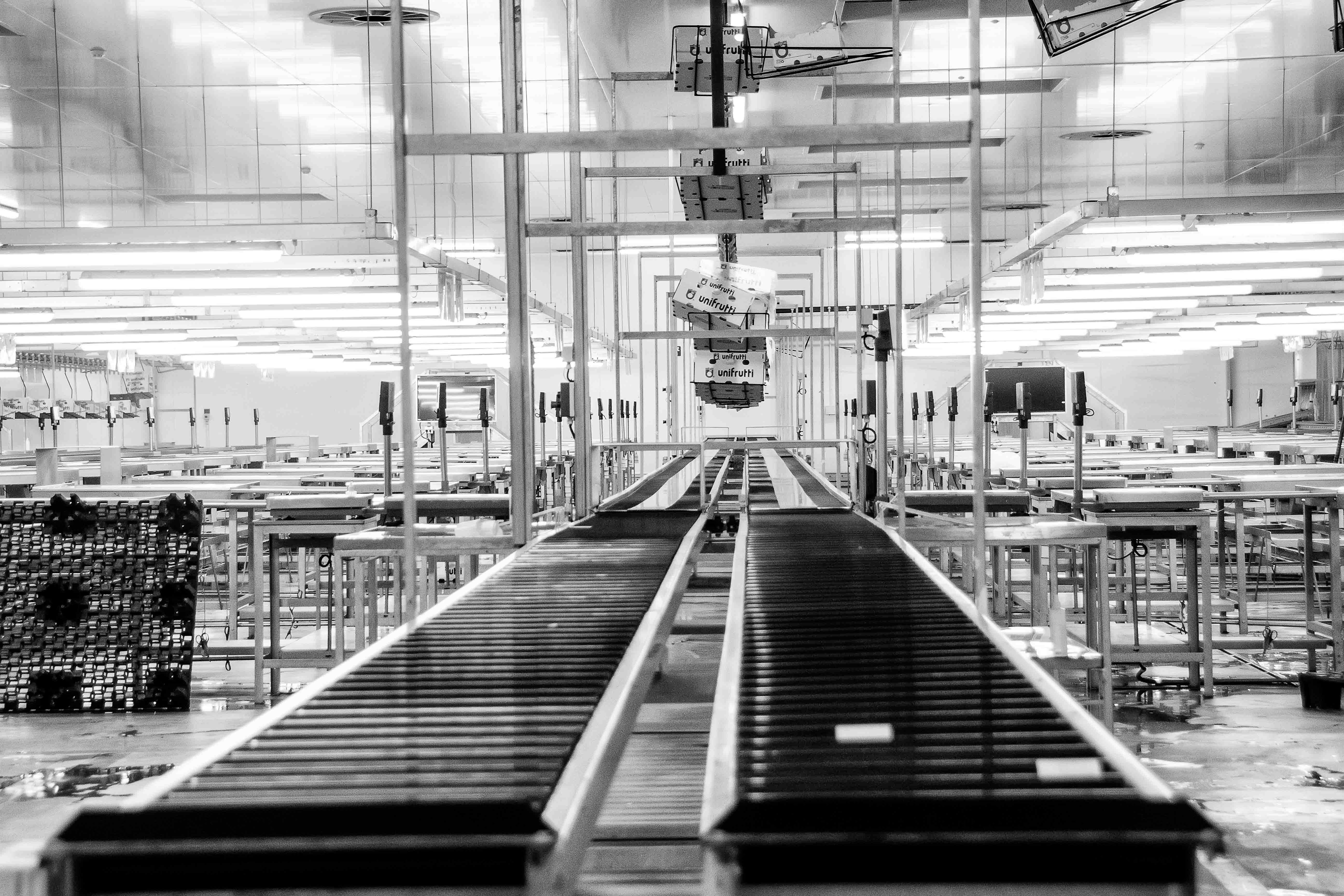
A conveyor is part of a larger material-handling system. Review where material enters, moves, transfers, and leaves the conveyor, along with the equipment and people around that path. Check the route, floor or structure conditions, elevation changes, transfer points, access, and areas where material could build up or interfere with nearby equipment.
Installation planning should account for the finished operating position and the work needed to get there. A clear route for delivery does not always provide clear access for belt, drive, guard, or component maintenance after installation.
Align structure, drive, and transitions
The conveyor structure, supports, drive components, belt or chain path, transfers, and guarding need to work as one system. Record reference points, levels, alignment, support locations, and connection conditions as the installation progresses. Check the areas where the conveyor meets another machine because a small mismatch at a transfer can affect the entire material path.
Plan the work so that alignment and access can be checked before guards or surrounding structures make the inspection harder. If the installed condition differs from the expected layout, document it and resolve the difference before it becomes a commissioning problem.
- Route, elevations, supports, transfers, and surrounding equipment
- Drive, belt or chain path, rollers or components, and connection points
- Guarding, access, clearances, cleanout areas, and future service routes
- Checks for movement, tracking, transfers, and material flow
Make guarding and access part of the layout
Guarding and maintenance access should be considered while the conveyor is being installed, not added after the final position is fixed. The operating team needs a clear understanding of where access is permitted, what must be isolated before service, and how components can be inspected or removed in the future.
Keep the area around the conveyor organized during installation. Temporary materials, tools, and packaging can hide clearances or create conditions that are not part of the final system. The site’s responsible personnel should define the required checks before operation.
Test the system as a connected path
A commissioning check should look beyond the drive. Verify the approved sequence for movement, clearances, transfers, connections, guarding, and access. Observe the conveyor under the conditions appropriate to the installation and record any adjustment or follow-up item rather than relying on a verbal handoff.
DeLouie Industrial supports conveyor and material-handling installation with attention to layout, alignment, connections, testing, and future maintenance access. Clear records help the operating team understand the system after the installation crew leaves.
Working checklist
Turn the next service visit into useful information.
- 01Map the complete material path, transfer points, and surrounding equipment.
- 02Record supports, levels, alignment, route, and connection conditions.
- 03Plan drive, belt or chain access, guarding, and future service routes.
- 04Resolve layout differences before they are hidden by final assembly.
- 05Complete the approved checks for movement, transfers, clearances, and guarding.
- 06Document adjustments, test results, and remaining follow-up work.
This guide is general information. Site-specific work must follow the equipment documentation, the site's procedures, and the requirements of the people responsible for the work area.
Related service
Equipment Installation
Prepare industrial equipment for service with careful placement, connections, piping, and checks. Installation is organized for a clean handoff and straightforward future maintenance.